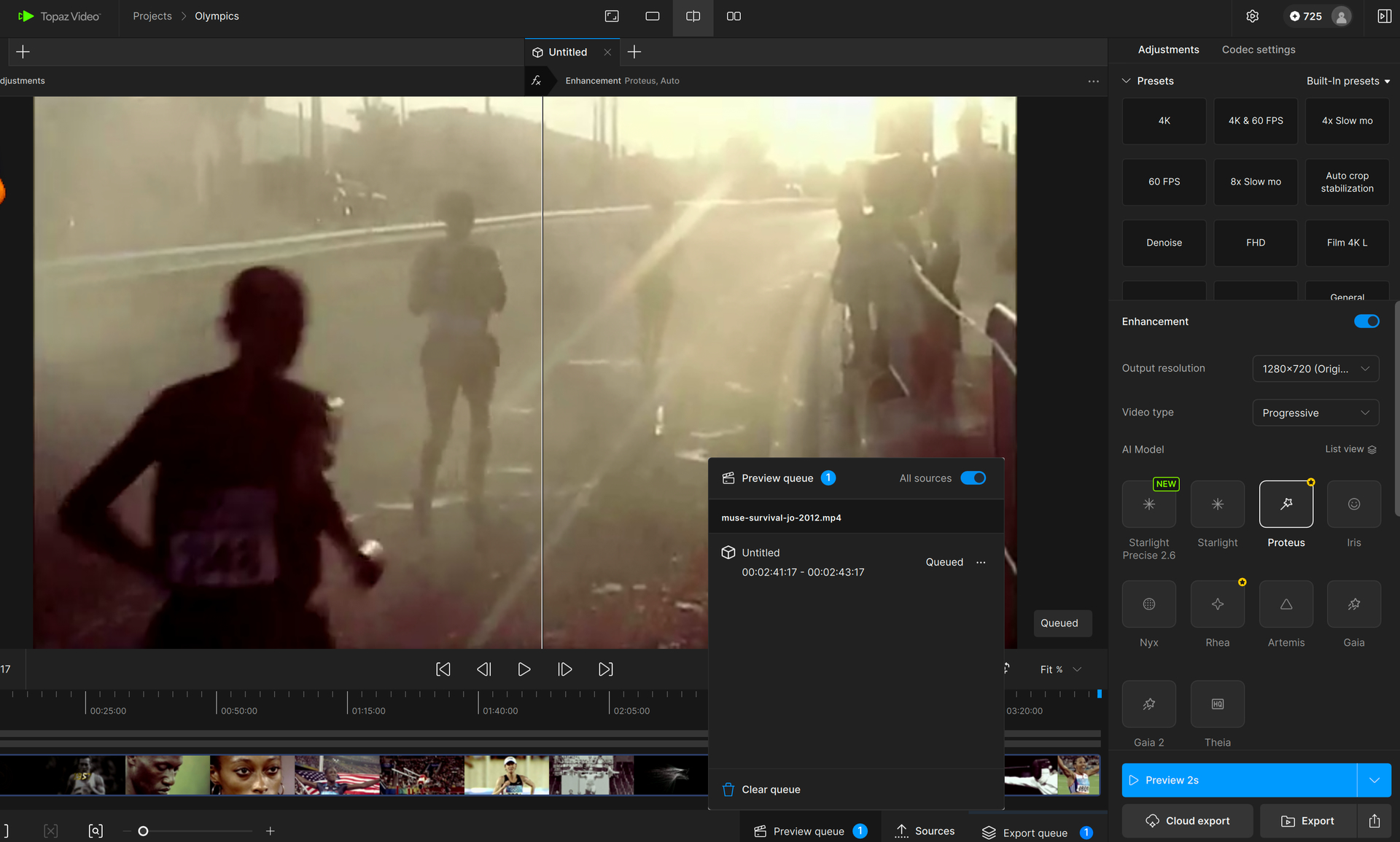
So I do my settings, click preview - nothing it goes to the preview queue but never moves on.
Same with local export - adds to queue doesn’t even process a single frame
m5MAX with 128gb - any suggestions?
Strangely - shutting the whole thing down and reopening started the export. Bizarre! If anyone else has this issue this might be the obvious fix. Topaz feels QUITE unstable at the moment!
It looks like in the screenshot you have an export running and that would prevent the preview from processing. The app is putting all of the resources towards the export or a preview, whichever was submitted first.
Can you grab the logs from the app and send to the support team so we can look into what is going on here, in case something was stalled or stuck in the backend of the app. That would be why doing a relaunch on the app started the process. You can send the logs to help@topazlabs.com
To gather logs, please select Help > Logging > Get Logs for Support and attach the zip file to your reply.
Here is a video to help with the steps of how to collect the logs.