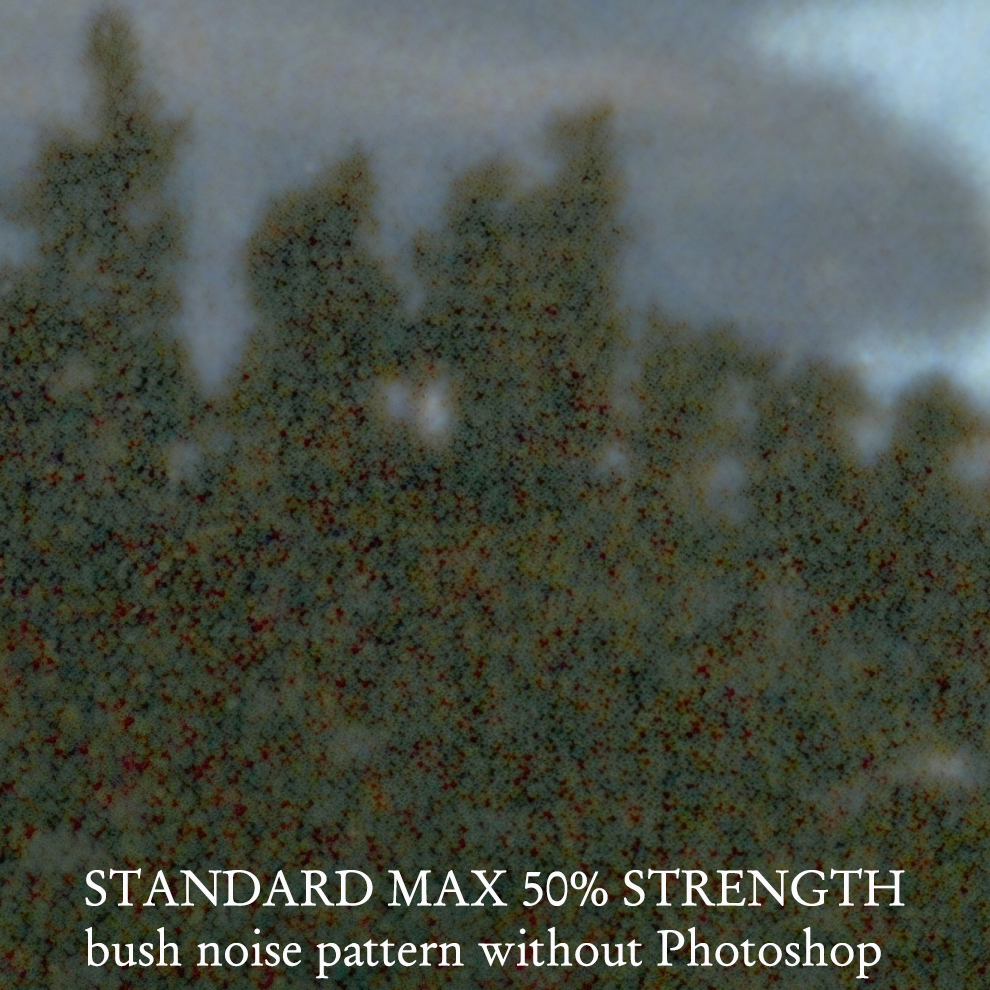
I am testing the offerings in Gig Beta to ascertain suitability for very large prints made from upscaled large original files. I am enclosing a very few of the test results here for most salient take-aways but anyone can ask me for other results not illustrated.
The enclosed samples show:
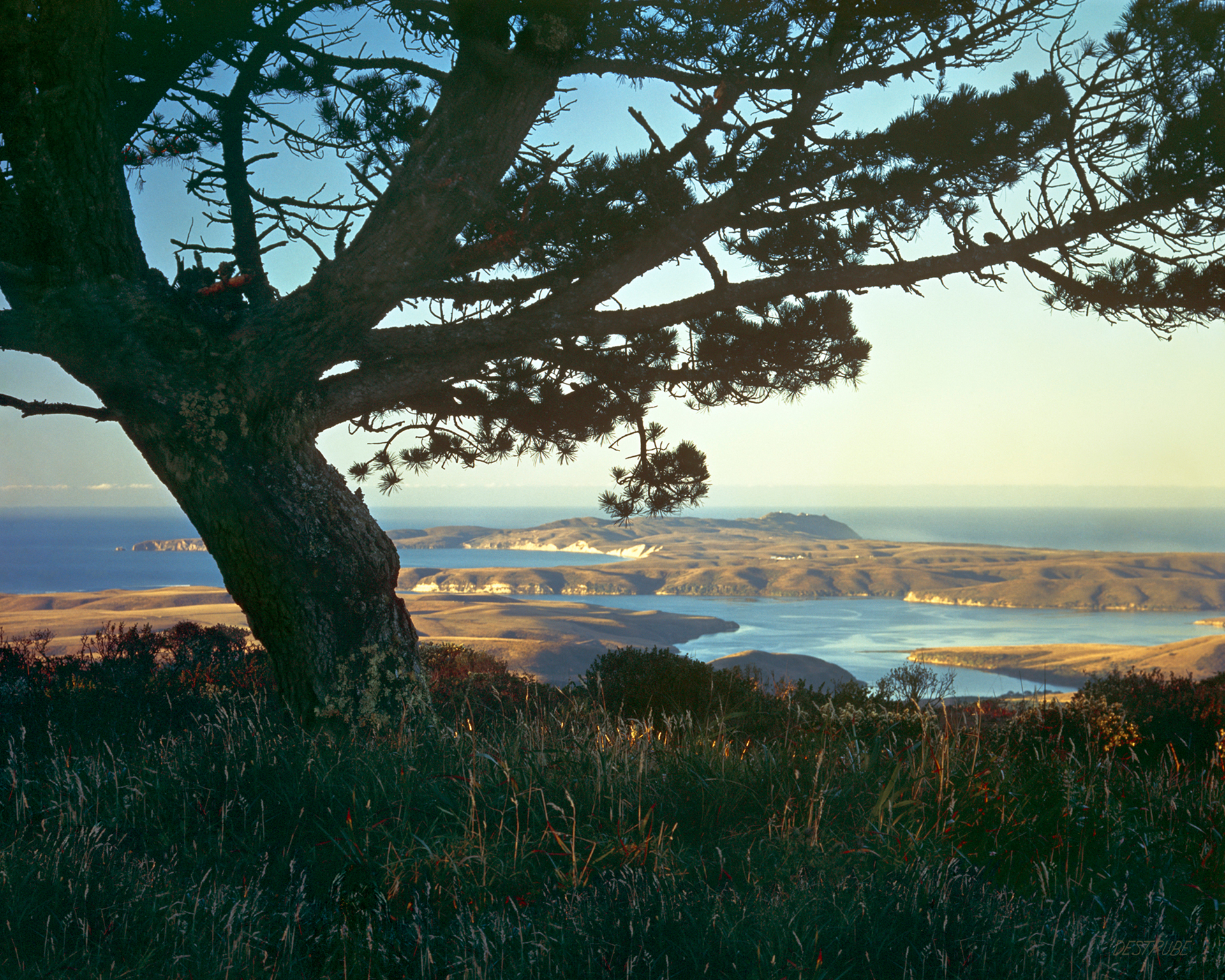
* the whole picture
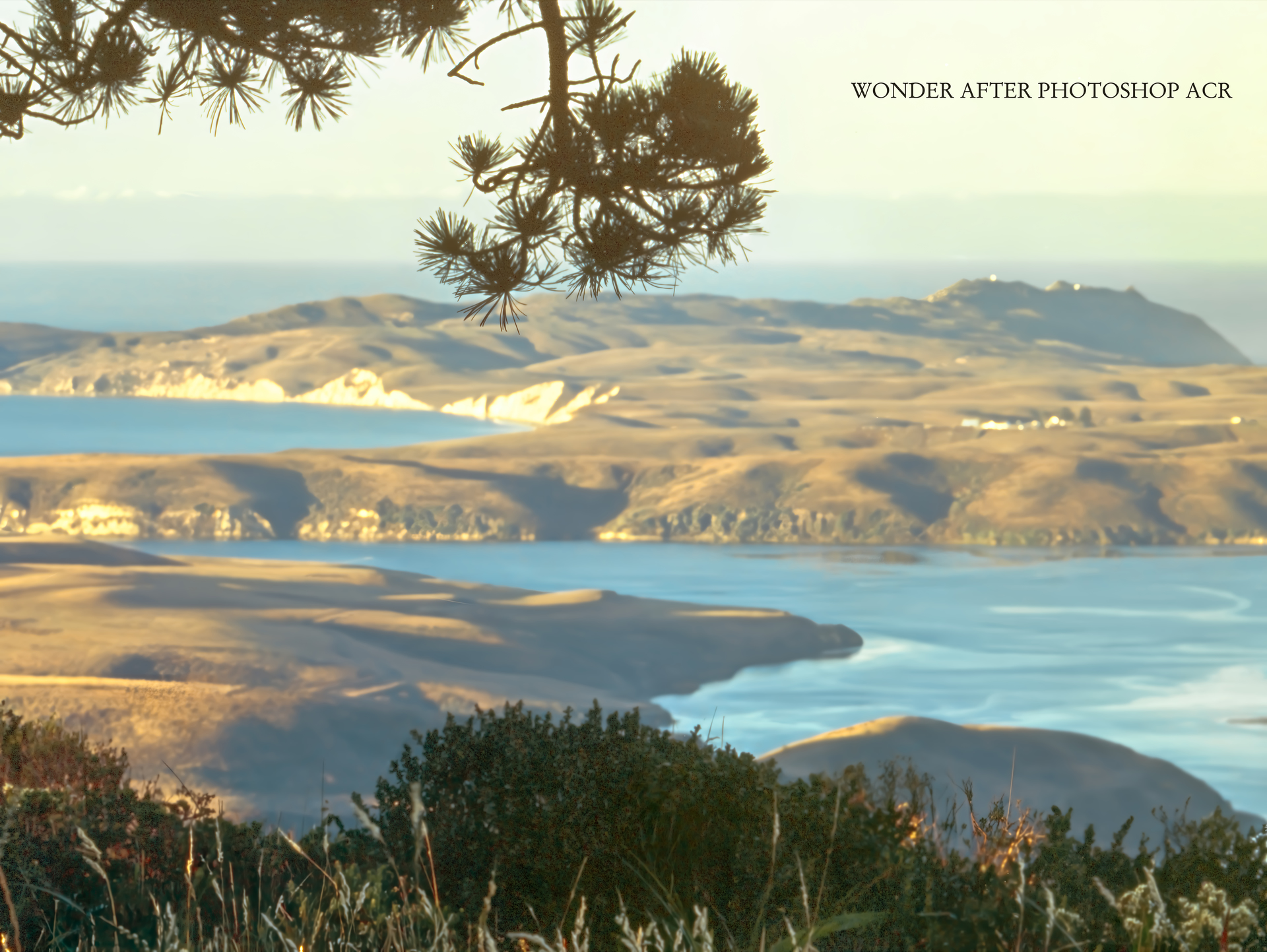
* a 3’x4’ 300 dpi detail enlargement to show the smoothness of rendition and sharpness of detail where needed in Wonder
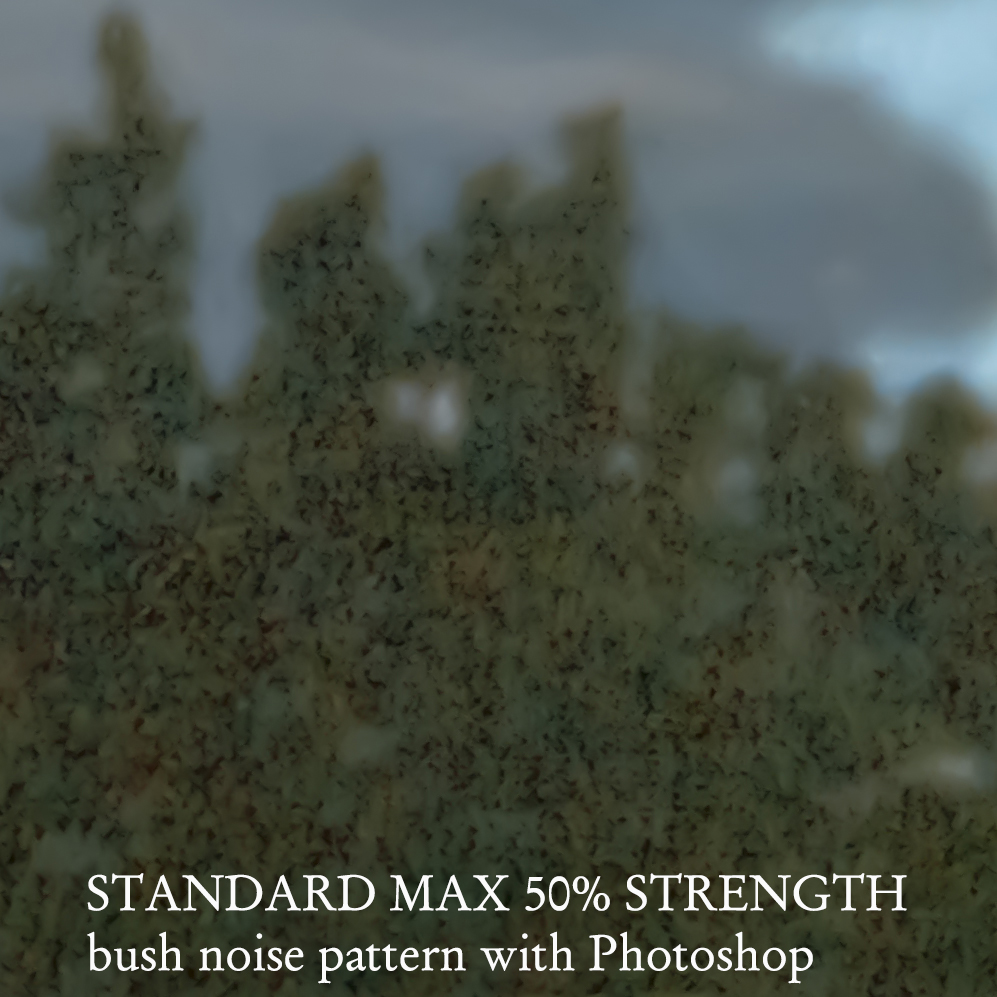
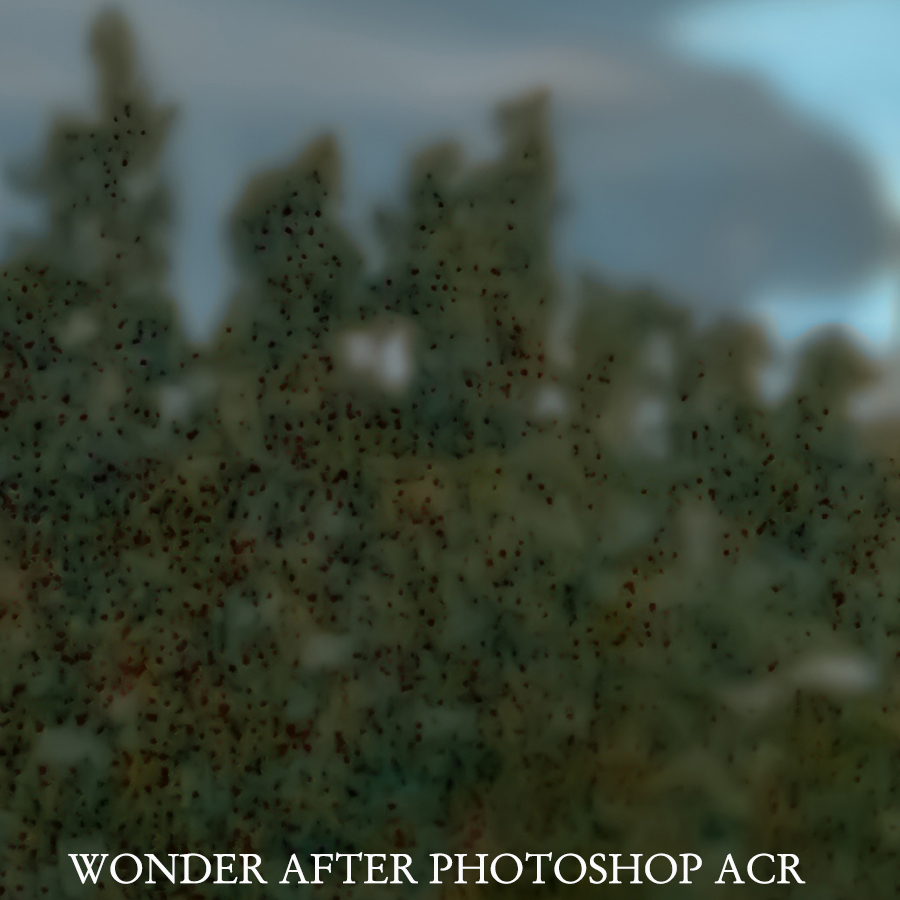
* 3 details of the problem areas of quarter-tone and near-black noise
Sadly, it seems that I cannot present them to you in any particular order.
About the scenic at hand: The test area was cropped directly from the original 995 Mb file that measured 14,688pix on the long side. My reduced jpegs are down to 1200 for this report. All the tests were done at 3x because some options would not allow for greater enlargement. Areas to look at are the needles and the bushes and the mid-ground shoreline & sea and general gradation.
Observations:
*Standard @ 100% Denoise + 100% Sharpen: Good but a bit soft
*High Fid @100% Denoise + 100% Sharpen: Virtually identical as Standard, no sharper, but a little more contrast in the darker near-black areas. A bit grainier but no artifacts of note.
*Redefine @ no controls: sharper, grainier and showing artifacts in complicated near black areas. Artifacts in large prints will print as distractions at close viewing.
*Standard Max: @ various strengths: The slider is effectively just a noise/grain control for the most part. It is an interesting programme that gives the following: better near-black dark end, but with artifacts appearing in complicated areas. There are disconcerting grid patterns in these dark areas. Max blows out the highest printable highlights at all levels. The greater the slider %, the more imaginary creative “distortions” one finds. In the samples ( 0%/50%/100%) look at the differences in the out-of-focus shoreline ocean rendering which seems to assume there are noticeable waves hitting the coast as the slider goes higher. 50% seemed the best balance especially when paired with Photoshop ( more below on that )
*Wonder @ no controls: Sharpest of all, finest grain to no grain. But sharpness is selective to clearly defined edges on the outsides of masses like the needles; internal detail edges are not so optimized. Fewer artifacts than Redefine. Patchy, noisy blacks. Grainless Wonder compares favorably with Standard for detail retention and has more deep shadow detail.
All of the models suffer from noisy near-black areas and need further optimization in Photoshop, which is a pity. I found that putting the output into ACR and using the following sliders to be most helpful: Manual Noise Reduction at 100% for both luminance and color noise. A little kick with Vibrance and Clarity also helps.
That being said, I think Wonder with ACR is the best solution if you can stand the smaller enlargement range and the long processing time. Next best, I think, is Standard Max with ACR
It must be noted here that Wonder is not always wonderful as I will illustrate in a further posting. It works very well in this case, ( optimized with ACR noise control ), which is a complicated scenic with full tonal range, but Wonder is quite variable depending on subject matter. The problem for all users is that wonder takes enormous time to process and its cloud processing will not give you a very large file due to limits imposed by Topaz. See my previous posting about failures in processing to try to re-upscale a resulting file.
Good Job! Lets keep improving it.