Sometimes one may want to select other parts of a photo to sharpen than face recover-the face may not need more sharpening
The Recover Faces model is excellent. It would be nice if you have something similar for skin recovery. In many cases, the hands are either too soft, too plasticky, too bitmapped looking, or too jagged. The knuckles and skin ridges on the hand can use the same recovery as in Recover Faces.
[jerry.king_musser]
Hello Jerry. I’m a bit late to the party here in 2026, but for pictures like this one I generally use either Photo/Photo AI and Gigapixel AI/Gigapixel, well actually a lot worse condition than this one, and usually get lots of detail. I used:
Topaz Dust and Scratch
topaz-wonder-text
gigapixel-recover2-45-low
gigapixel AI-redefine–creativity 4 Texture 2 Sharpness 0 Denoise 10, 1080h-faceai v2
To get the following picture which has decent hands and skin texture:
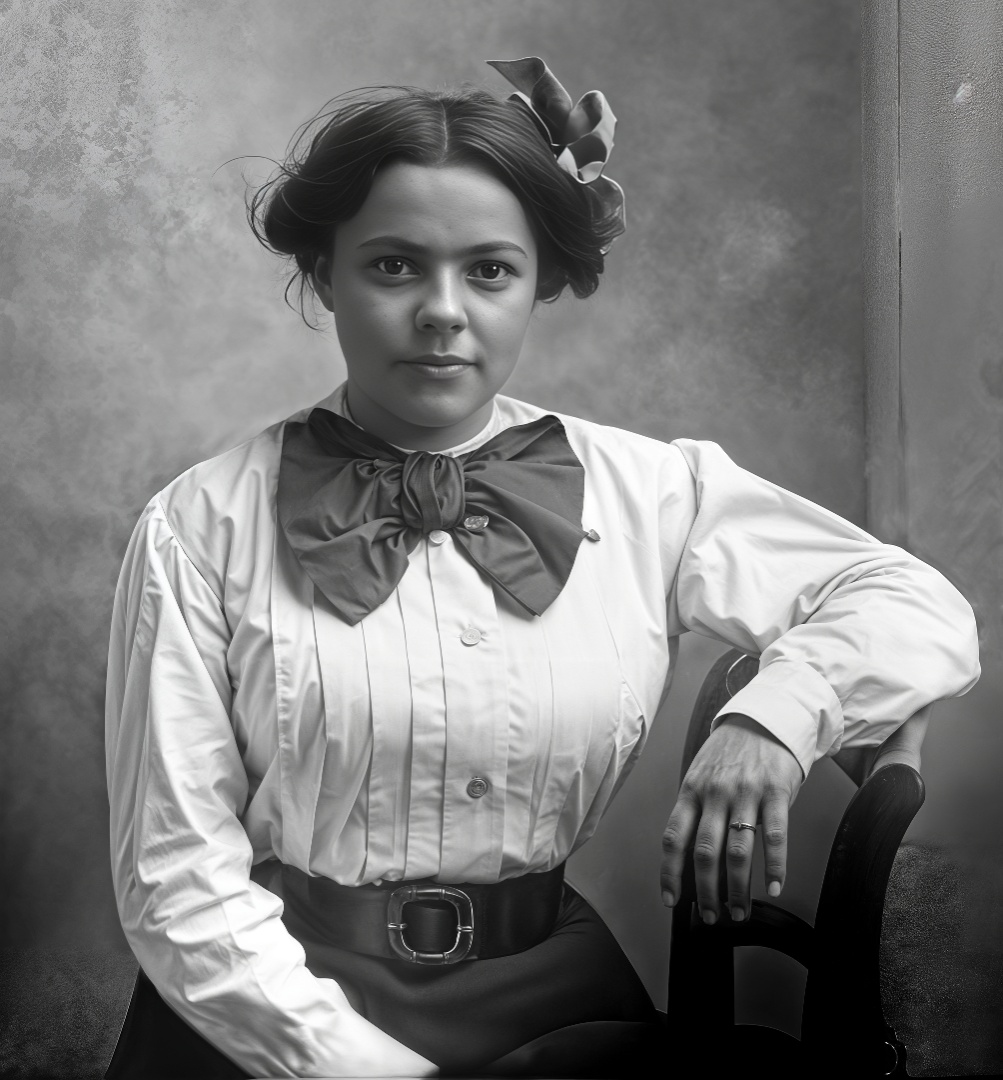
If you then pass it through Wonder2 and upcale it 4x you will get even more detail eg; skin texture.
I’ve been practising recently using and old copy of Corel Photopaint that I purchased at around about the end of the last ice age and have produced offline colour versions of your picture using an old fashioned method of picture coloration. I include them here in case they are of any use or interest to you.
Colorized version of my picture above 002 Lady with a Bow-Black and White
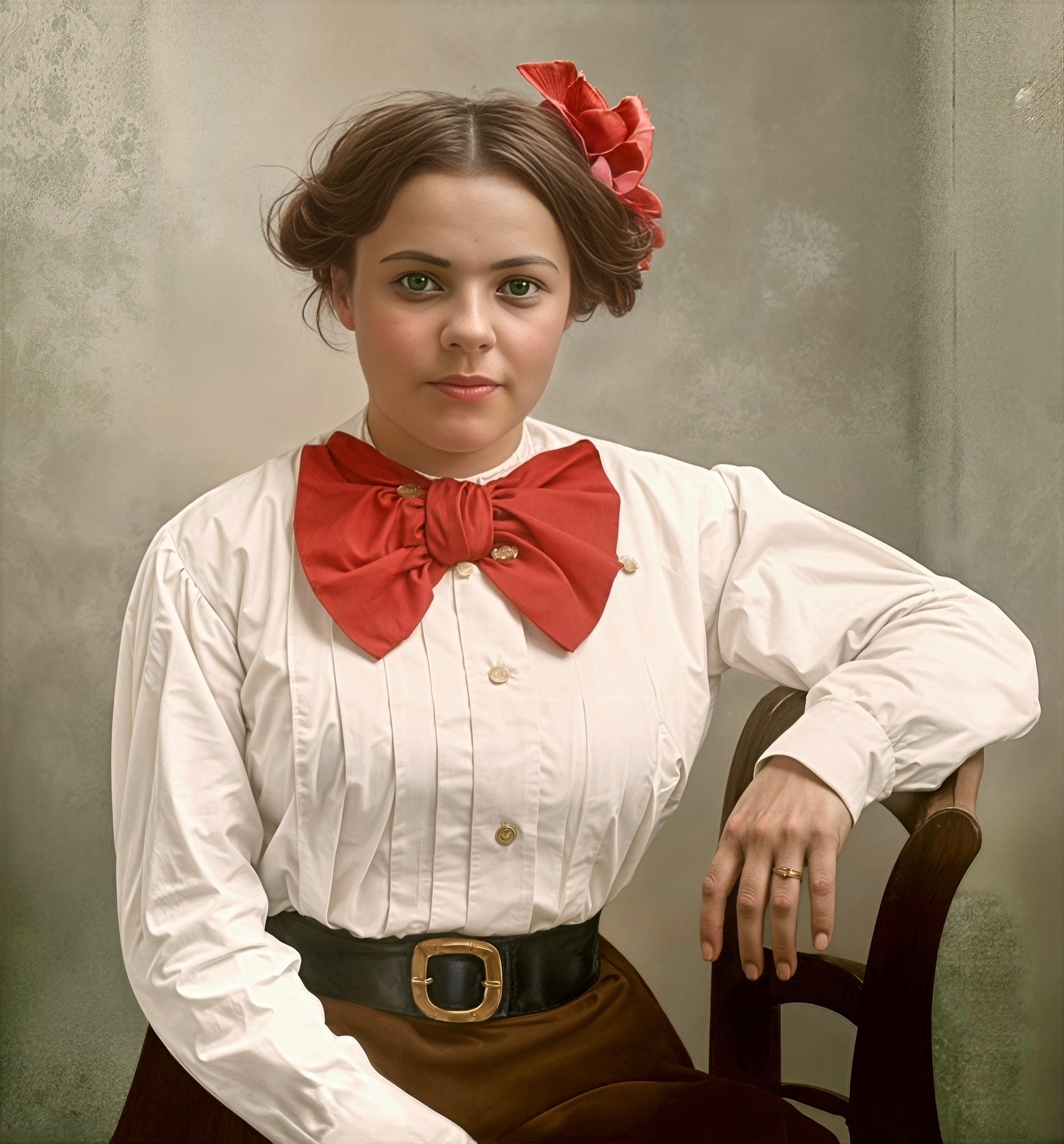
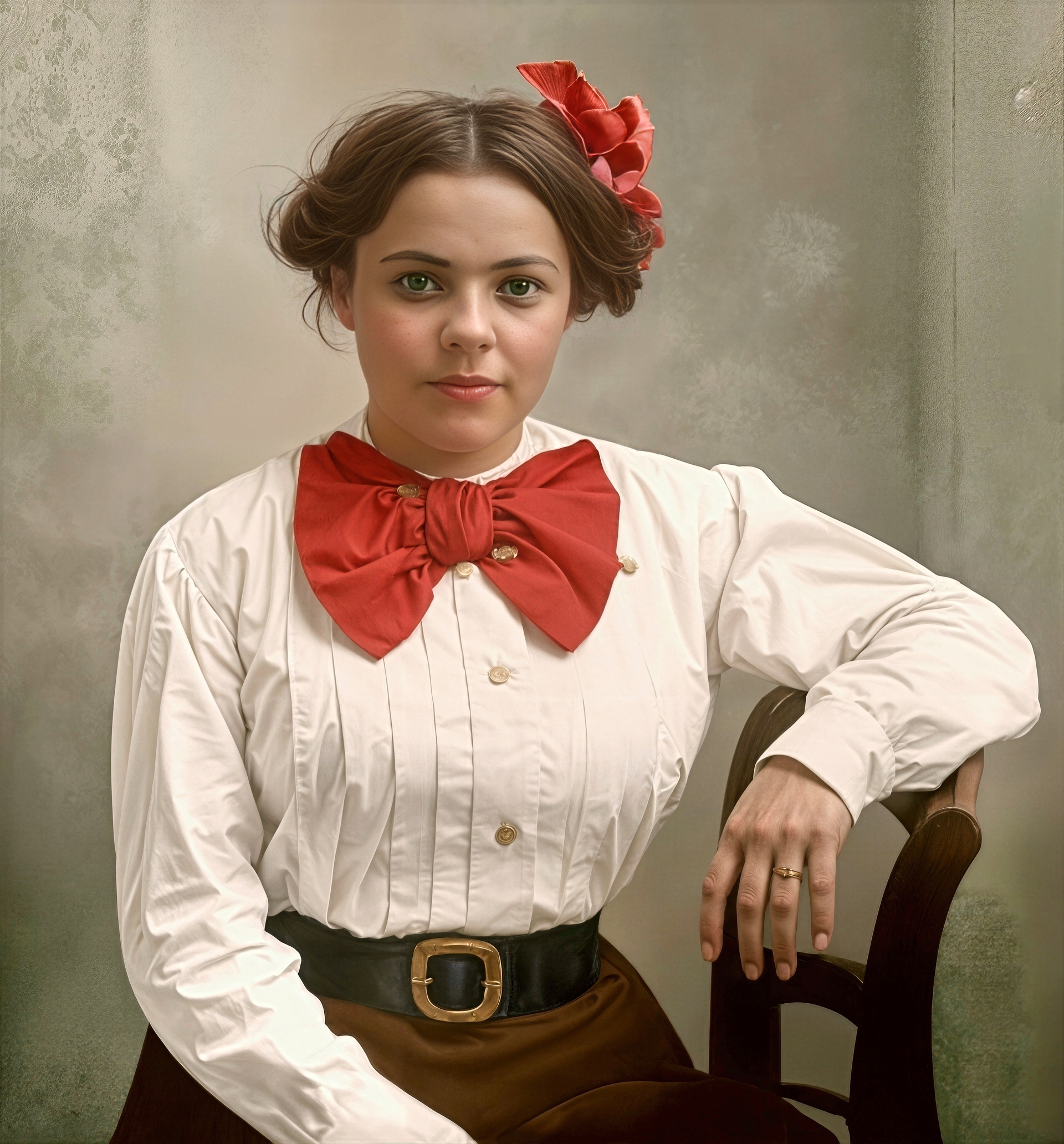
And this one which is a colorized version of 002 Lady with a Bow-Black and White which has been passed through Wonder2 at 4x. There is lots of skin detail in the face and hands on this one.
And finally a comparison of the original B/w picture to my Colorized version.

Best regards Robert. 
It’s not bad. Although the belt and trousers look painted. And the belt buckle is quite different from the original. But given the state of the source, it’s a real challenge to fully recreate the real buckle. The ring also seems a bit different from the source. But again, it was quite difficult for the AI to reconstruct the real one from the poor-quality source.
Thank you for your comments Harald. Always appreciated.
Regards.
You’re welcome 
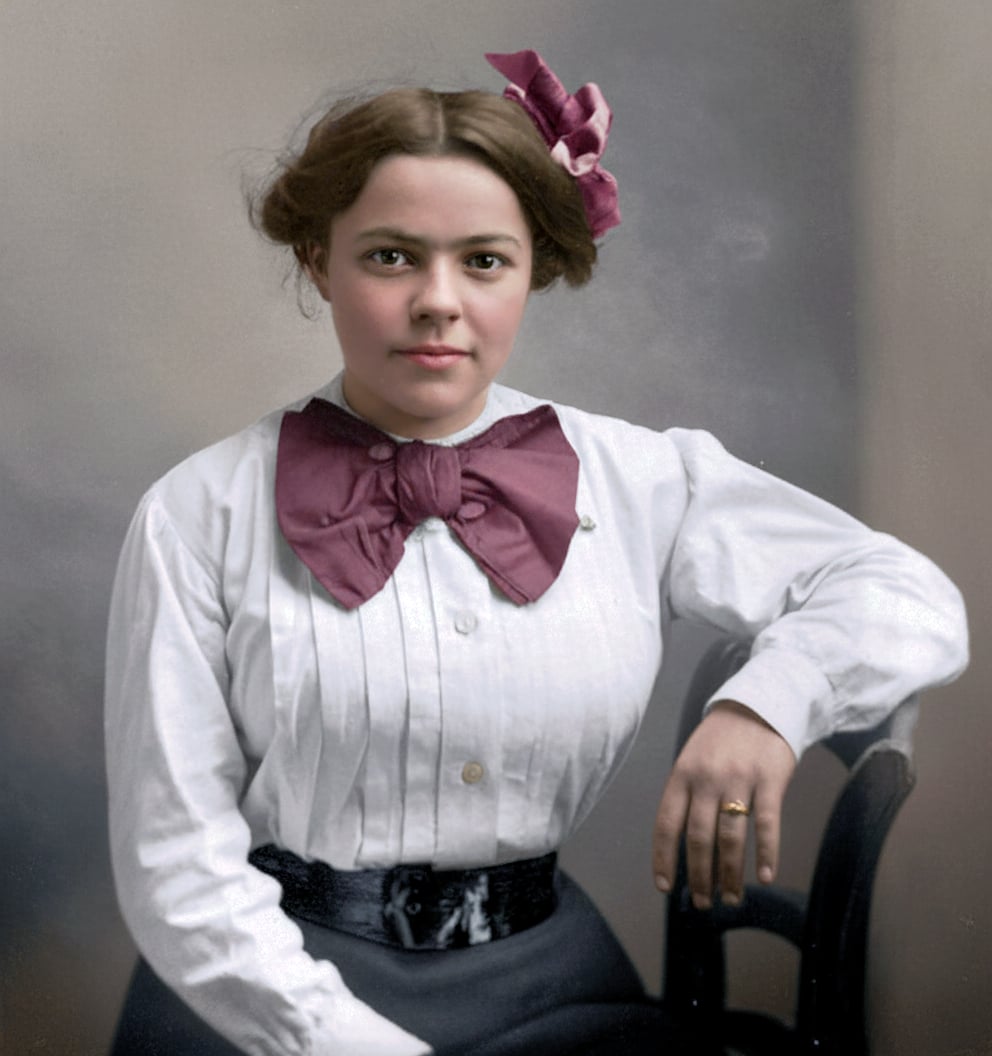
 Slightly less sharp, but much more natural, and the belt is better because it’s closer to the original. It’s a beautiful restoration. Even the face is noticeably closer to the original. The details of the shirt buttons and the large bow tie appear to be very faithful to the source image. The ring is also very faithful to the source, while being enhanced. I am sure that now, based on this result, we can further improve the image sharpness with more detail in the already improved textures.
Hi Robert.
I wanted to reply to you earlier than this however, as you changed your Profile picture and name from Robert to XpFan I forgot who I was looking for sorry.
I just wanted to say, how much I admire you giving up your time and generously going back though older images within the Community which Members have posted bringing them back to the forefront off the Forum and restoring them with the latest software Topaz has to offer.
This is good of you because, it help those people who may have given up at the prospect of seeing their photos being restored to a high enough standard and for others it a great demonstration of just how far the Topaz software has advanced and developed over time from when the images were originally posted it’s very commendable of you.
Which inturn creates activity within the Community by allowing other Members to join in and help with their own versions of the images including myself on occasions.
It really is commendable of you to help in this way
Regards
Andy
Hi everyone I couldn’t resist the opportunity, to demonstrate how combining different Filter Enhancements in this case Denoise MAX and the Dust & Scratch Filter can yelled incredible results
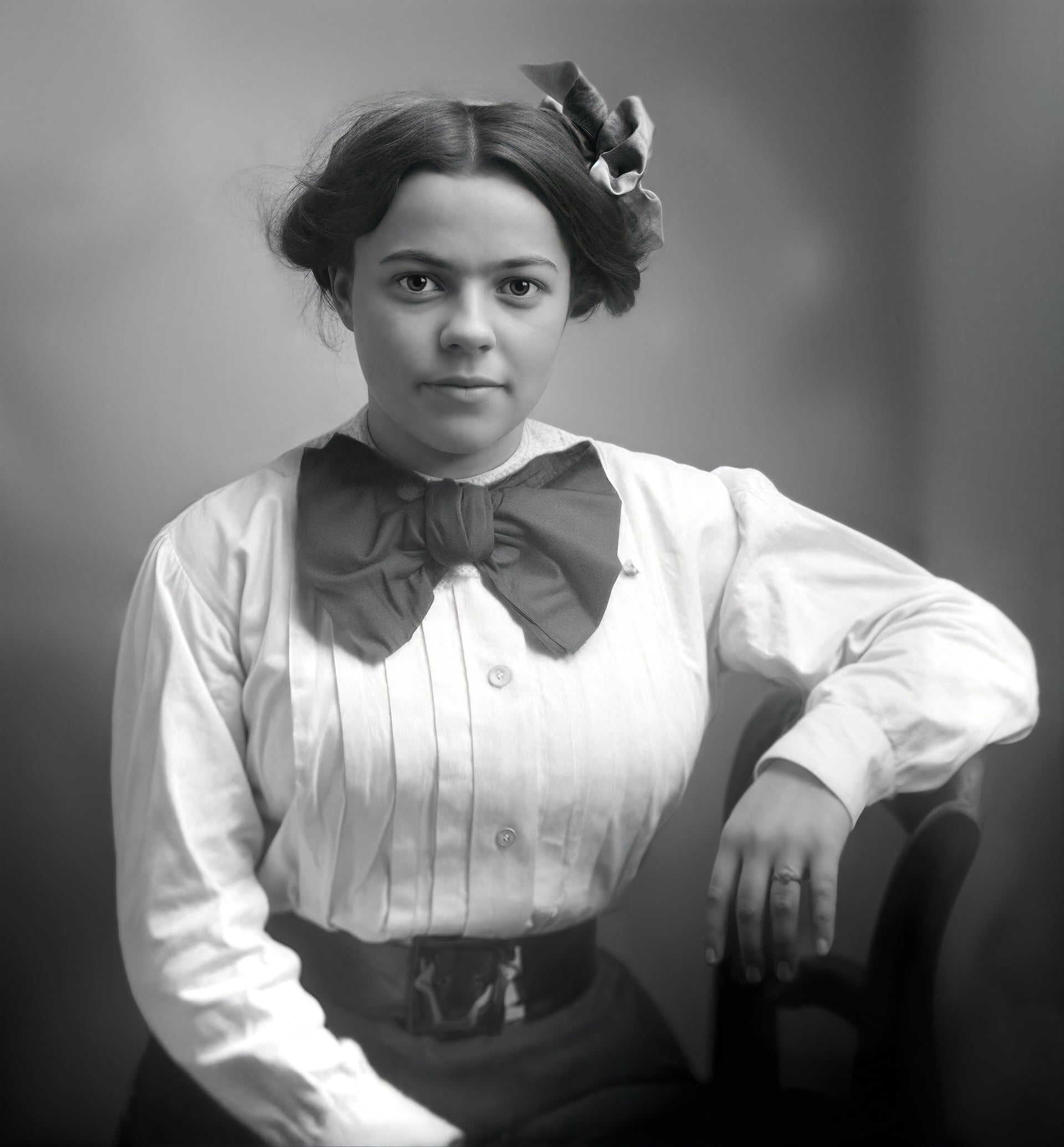
This after image was archived by applying Denoise MAX first and the reason for that is because, previously I would have applied Super Focus to bring out details first but, lately I have found with Denoise MAX it adds more natural deffenision and really brings out the details and as a bonus / side effect further defines the artifacts and scratches thus, allowing the Dust & Scratch filter to easily distinguish the image detail from the wear and tear then, I applied Recover Faces 3 and a little Portrait Sharpening to finish.
I refrained from Colouring the image because, it’s difficult to determine her original origin based on the Black & White complexion and flesh tones.
Hope you like
Andy
