Neil, How did you install the ‘older’ Denoise or Sharpen?. I have the same laptop as you and I cannot install any Topaz products
Hi Bazabar, I have a curated squillion-year history of downloaded installers, so I just chose one that was a couple of years ago, before I estimated Topaz locked itself to Intel CPUs. Far from the latest, but at least it works. I’d suggest you log into your Topaz account and see if there are any historical installers available there. If not, I think it would be prudent of Topaz to make the last non-Intel installer available to ARM users until and unless they fix the current version.
Download the latest versions of Denoise AI or Sharpen AI and install them. Previous products like Studio will all install. Obviously processing will be slower unless you also have a NVIDIA GPU. They all install on my PC which is …

I can only assume that being in USA allows you to download because of your location (as does Adobe in this same instance). In Australia I cannot download the product, never mind install it , on my Arm based machine. Frustrating as I am a long term user of Topaz. Labs products on my office based windows computer.
1 Like
so these links: Legacy Applications | Other Apps don’t work for you? You do have to have a license for the older products to run them (and you can’t buy a license anymore, which is a bit of a problem).
Alternatively in your account profile (https://topazlabs.com/my-account/downloads/) if you have a license, download links should be there. (I’m also in the US, so maybe that’s why I can see these, but this is the first time I’ve heard this.)
For denoise, the only version I see is 3.7.2 and for sharpen, 4.1.0; whether these run on Snapdragons, I don’t know. If these versions don’t work, maybe @neil.francis-2548 can specify which version works.
Not that these are necessarily the most recent versions that work on Snapdragon, but what I have installed and working fine are:
-
Denoise 3.7.2: Not fast but works great. Even does a bit of sharpening while it denoises.
-
Sharpen 3.01: Not fast but works great. (v4.16: Installs, but doesn’t actually work because it’s demanding a GPU that is not present in Surface Pro 11 ARM.)
-
Gigapixel 4.6.0: Not fast but works great.
If you’re on the road without your grunty desktop beast, I think the results from the versions above are quite good. Keep in mind that just four years ago we thought these app version results were “terrific”.
I think Topaz should make these installers available so licensed peeps with ARM can at least do SOME sharpening, denoising and gigapixeling even if it’s not the latest and greatest.
Thanks. It would be nice to get an update from Topaz as to the current progress on an ARM version.
Nope, I am not in the USA I am in Asia. Go to your account and download from there … obviously, you need to own those products to use them. David also posted links to the downloads on the web site.
Yes thanks.
I have done that and can now download older De Noise installs and have updated to v 3.7.2.
They will now download onto my Arm/Snapdragon laptop – but are very, very slow in operation
One 15MB J’peg file takes 6 mins to process/save back to Lightroom.
I have been told by Topaz support that, quote – “a Photo AI version compatible with ARM should be coming soon — I’d expect it to be released within the next month or so! Tabitha ” – unquote.
We will see – I was told that back in September.
Cheers,
Barry B
Australia.
Hopefully as the first Beta was a disaster.
John - Any new timeframe updates on the release of PhotoAI for ARM64?
1 Like
Would be nice to see regular updates on this topic some we don’t have to individually keep asking.
1 Like
This is on the team’s docket. We plan to release an update soon that we are super excited to share with everyone!
In the meantime, we recently released a version for Gigapixel that supports Snapdragon processors! We’re super proud of our development team for getting this up and running, and we can’t wait for this progress to come to Photo AI soon!
Thanks everyone for the patience 
It is not linked to our product lists in the account so we have to go to the download on the main website.
Thanks for the update. Can you be more specific about a timeframe and whether people in your Beta program will have access early?
I will reach out to the Product Manager for this information and will be sure to let you know once I have that information available
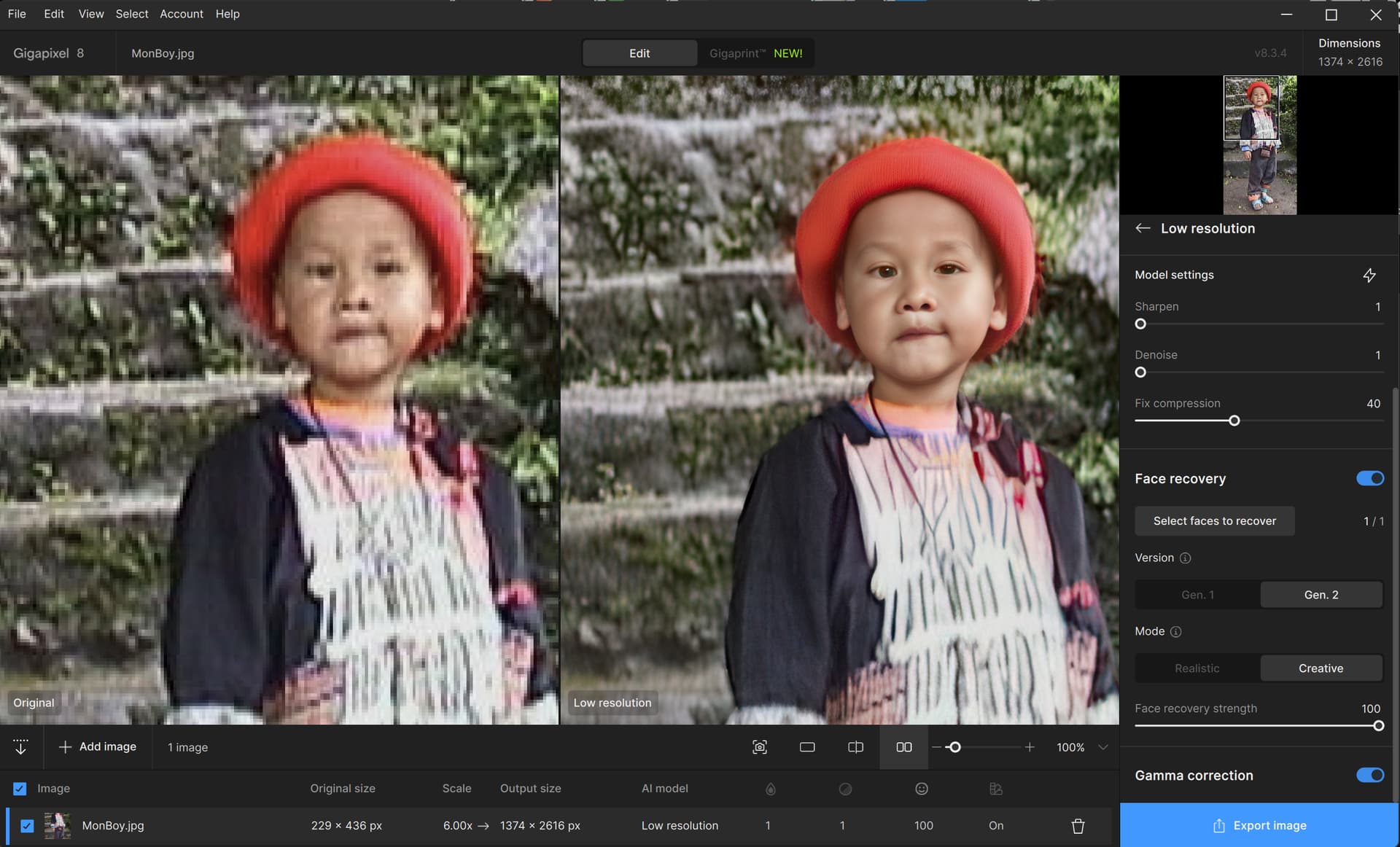
@john.topazlabs Hi, seems to have issues with the recovery of faces as you can see here … the comparison has been made between the RTX3060 and the ARM CPU under. Detail recovery seems to be an issue.
AMD/RTX3060
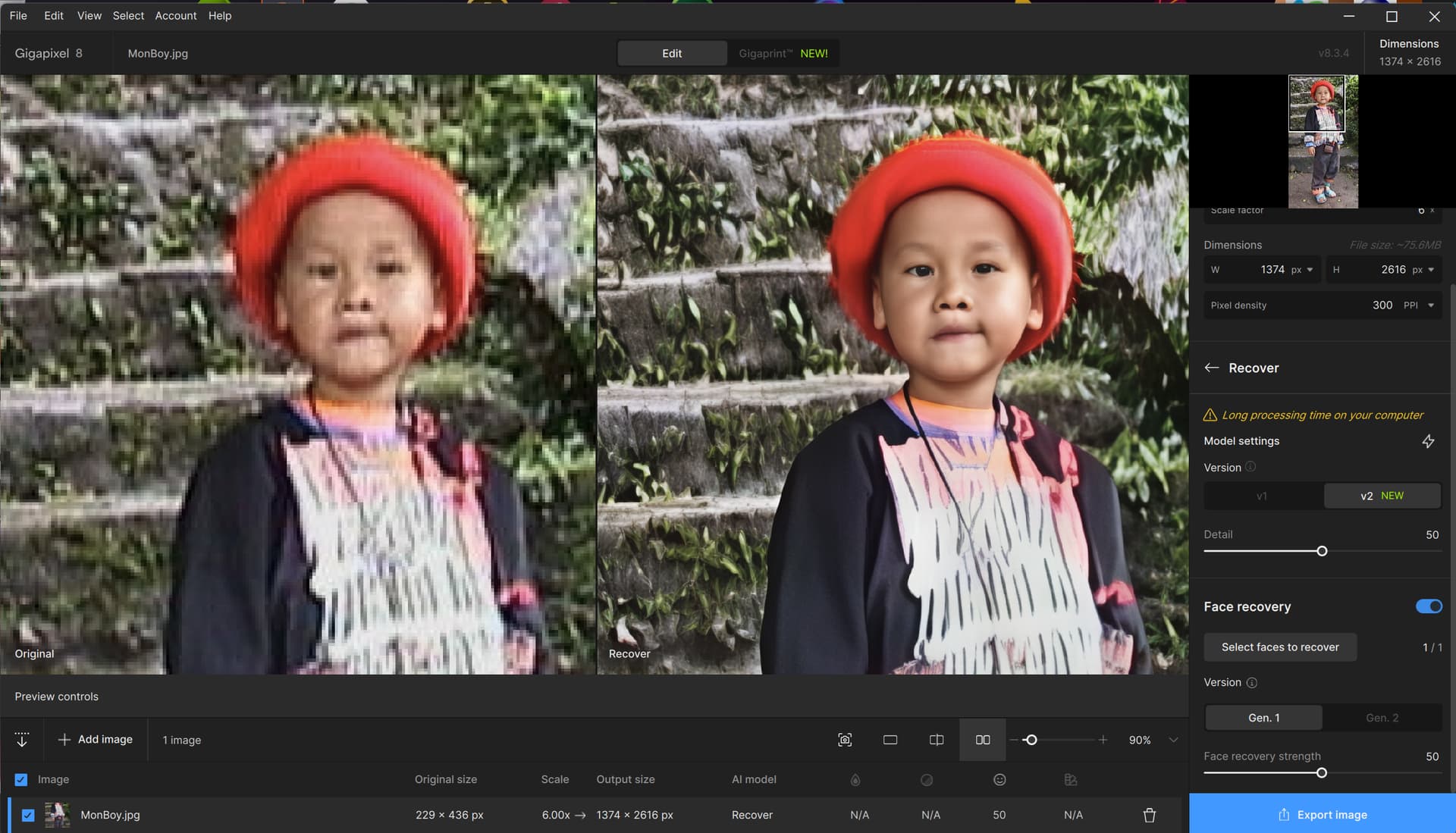
ARM CPU
@john.topazlabs It’s been two months since your last update on the status of Photo AI for Snapdragon ARM64 processors. I’m about to leave on a photography trip and would love to be able to use Photo AI on my Snapdragon Elite laptop. What is Topaz’s expected release date?
1 Like
I second the request for an update with some specifics beyond “we’re working on it.” Thanks.
No offense but anyone who thinks they are actually “working on it” at this point is being naive. I would expect since they have already released 4.0, without adding support,that means they are waiting for Microsoft to add AVX/AVX2 instruction set support sometime this year so that they do not have to work on it. This has been going on for more than a year now and it is just not that complicated. If they wanted it done, it would have been released by now. Since Microsoft is going to solve their problem (AVX support is already in beta) why spend their own money? Yes, that is cynical but after a year “working on it” is simply a lie, or code for it is on a desk but not a priority. Personaly, I have given up and will be cancelling my subscription. I would encourage others to do the same and that may inspire them to “work on it” before 2026.
1 Like
